

If you want to automate your finances, the core idea is simple: decide where every paycheck should go, then set up automatic transfers and payments so it happens without you remembering each time. Most people can do this in an afternoon by organizing accounts, scheduling transfers for payday, putting fixed bills on autopay, and reviewing everything once a month. Automation will not fix a budget that doesn’t add up, but it removes friction, reduces missed payments, and makes saving the default instead of an afterthought. This guide walks you through each step, with a realistic example and the safeguards that keep automation from causing problems.
What It Means to Automate Your Finances
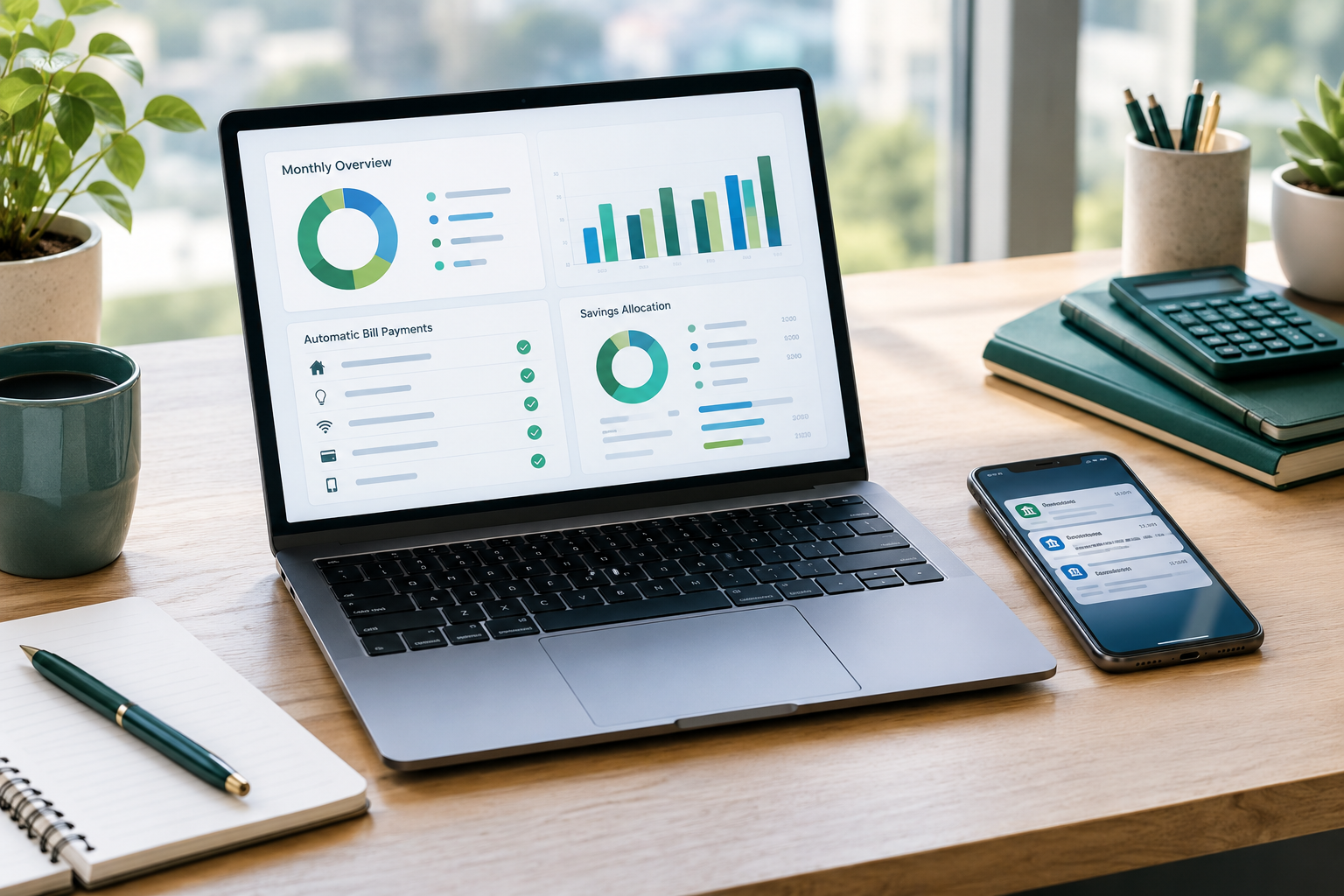
Automating your money means using tools your bank, employer, and service providers already offer, such as recurring transfers, direct deposit splits, and autopay, to move money on a fixed schedule. Instead of making a dozen decisions each month, you make them once and let the system repeat them.
It works best when your plan is clear first. If you don’t yet know your monthly numbers, start with a monthly budget that actually works, then automate around it.
Step-by-Step: How to Set Up Financial Automation
Step 1: Map Your Income and Fixed Costs
List when your income arrives and the due date of every recurring expense: rent or mortgage, utilities, insurance, loan payments, phone, and subscriptions. Note which amounts are fixed and which vary.
Step 2: Organize Your Accounts
A simple structure keeps automation easy to follow:
- Main account: receives income and pays bills.
- Spending account (optional): holds day-to-day money so you don’t accidentally spend bill money.
- Savings account(s): an emergency fund plus separate goals.
Step 3: Pay Yourself First
Schedule a transfer to savings for the day after payday, before discretionary spending begins. Start with an amount you can sustain, even a small one, and raise it as your income grows or debts shrink. For irregular costs like car repairs or annual fees, set up sinking funds with their own recurring transfers.
Step 4: Put Fixed Bills on Autopay
Enable autopay for bills that cost the same every month. For variable bills like electricity, consider autopay only if you check statements regularly. For credit cards, automate at least the minimum payment as a safety net, and pay the full statement balance if your budget allows.
Step 5: Automate Investing or Retirement Contributions
If your employer offers a workplace retirement plan, contributions can often come straight from your salary. Otherwise, many investment platforms allow scheduled deposits. Understand fees and risks before you start; Investor.gov offers neutral, beginner-friendly explanations.
Step 6: Align Dates With Payday
Many lenders and providers let you change due dates. Clustering bills a few days after payday reduces the risk of overdrafts.
A Realistic Example
Priya is paid monthly on the last working day. She moved her rent, phone, and loan due dates to the first week of the month. On the day after payday, her bank sends a fixed amount to her emergency fund and smaller amounts to two sinking funds: one for travel and one for annual insurance. She sends a set weekly amount to a separate spending card for groceries and leisure.
Once a month, she spends about 20 minutes checking statements, cancelling unused subscriptions, and adjusting transfers. When her pay rose, she increased her savings transfer first, so the extra income didn’t quietly disappear into spending.
Edge Cases and Safeguards
Irregular Income
Freelancers can pay themselves a fixed “salary” from a holding account and automate from that instead of raw deposits.
Overdraft Risk
Keep a small buffer in your main account and set low-balance alerts so a late paycheck doesn’t trigger fees.
Tight Budgets
Automate essential bills first, then add savings gradually as breathing room appears.
If money is consistently short, focus on cash flow before automation; this guide on how to stop living paycheck to paycheck can help.
Frequently Asked Questions
How much should I automate into savings?
There’s no universal figure. Choose an amount that won’t force you to pull money back later, then increase it gradually.
Is autopay safe?
Generally yes, when set up through your bank or a provider’s official portal. Use strong passwords, two-factor authentication, and regular statement checks.
Should every bill be automated?
Not necessarily. Fixed bills are ideal; highly variable bills may deserve a manual review before payment.
Summary
To automate your finances, map your income and bills, organize accounts, pay yourself first, put fixed bills on autopay, schedule investing, and align everything with payday. Add a buffer, set alerts, and review monthly. Your next step: pick one transfer, such as your savings, and schedule it today.
3 thoughts on “How to Automate Your Finances: A Practical Step-by-Step Guide”